Recipe videos → step-by-step

Cook from any recipe video.

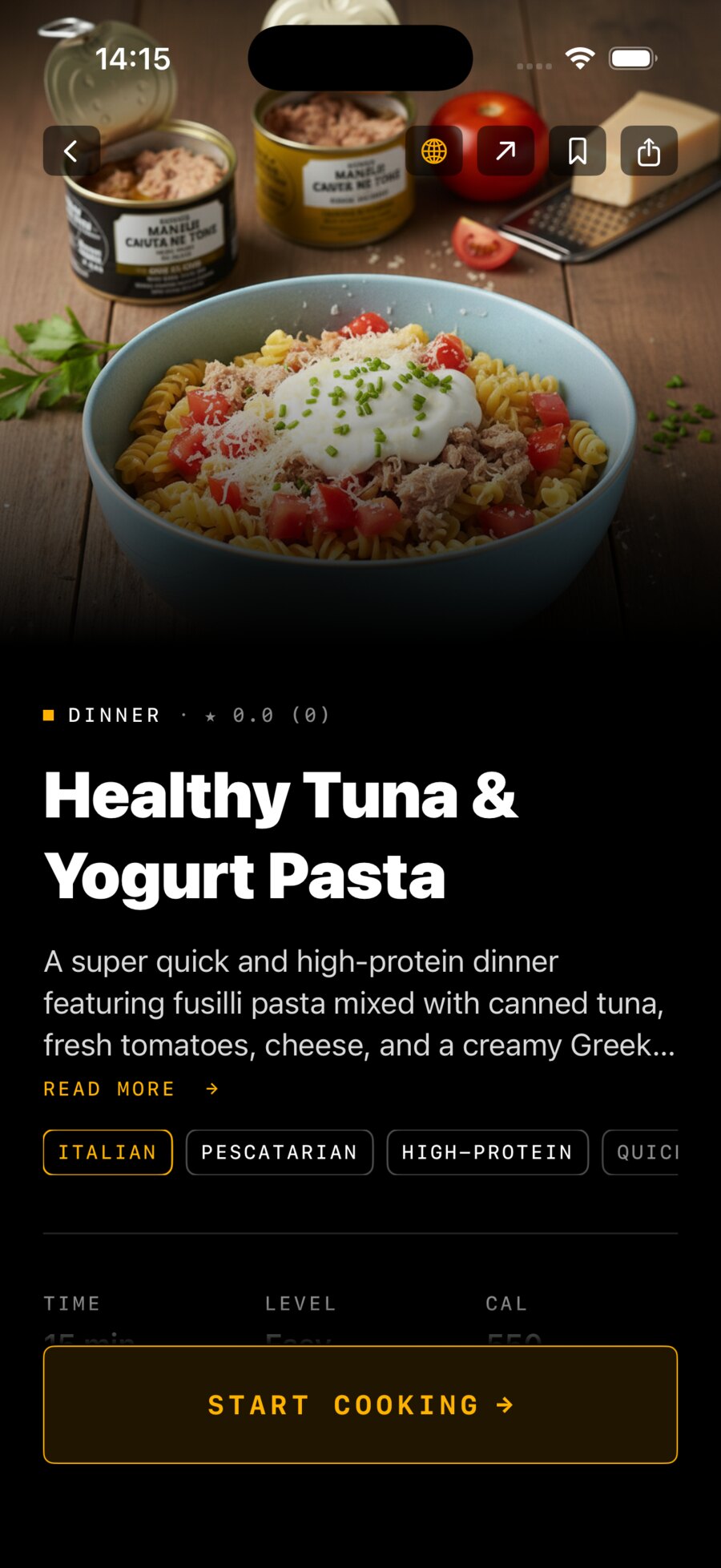
Paste a link from Instagram, TikTok or YouTube. Mise turns it into a clean, step-by-step recipe — with a photo for every step — so you can cook without scrubbing back and forth through a video.

iPhone · iOS 17+ · Free to start
Step photo
auto-generated
Mise recipe screen
15 min
built-in timer
Works with Instagram Reels TikTok YouTube Shorts
How it works

From a link to dinner in three steps.

01

Paste a link

Drop in any public cooking video from Instagram Reels, TikTok or YouTube.

02

AI builds the recipe

Ingredients, steps, timing and a fresh photo for every single step — usually ready in under a minute.

03

Cook step-by-step

Full-screen steps with built-in timers. No pausing, no rewinding, no greasy scrubbing.

Watch it work
Reading the video.
Listening to the audio.
Pulling out the ingredients.
Writing up the steps.
Plating it up.
Made for the kitchen

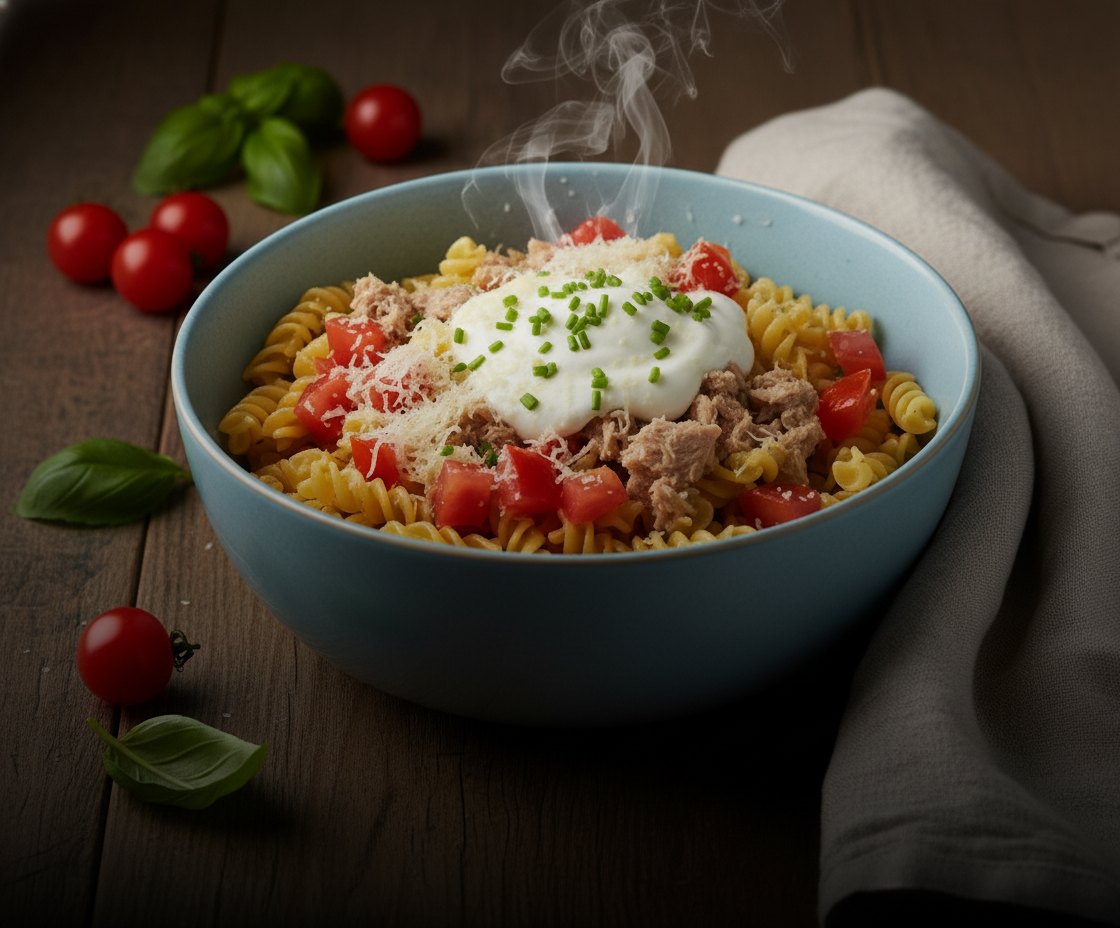
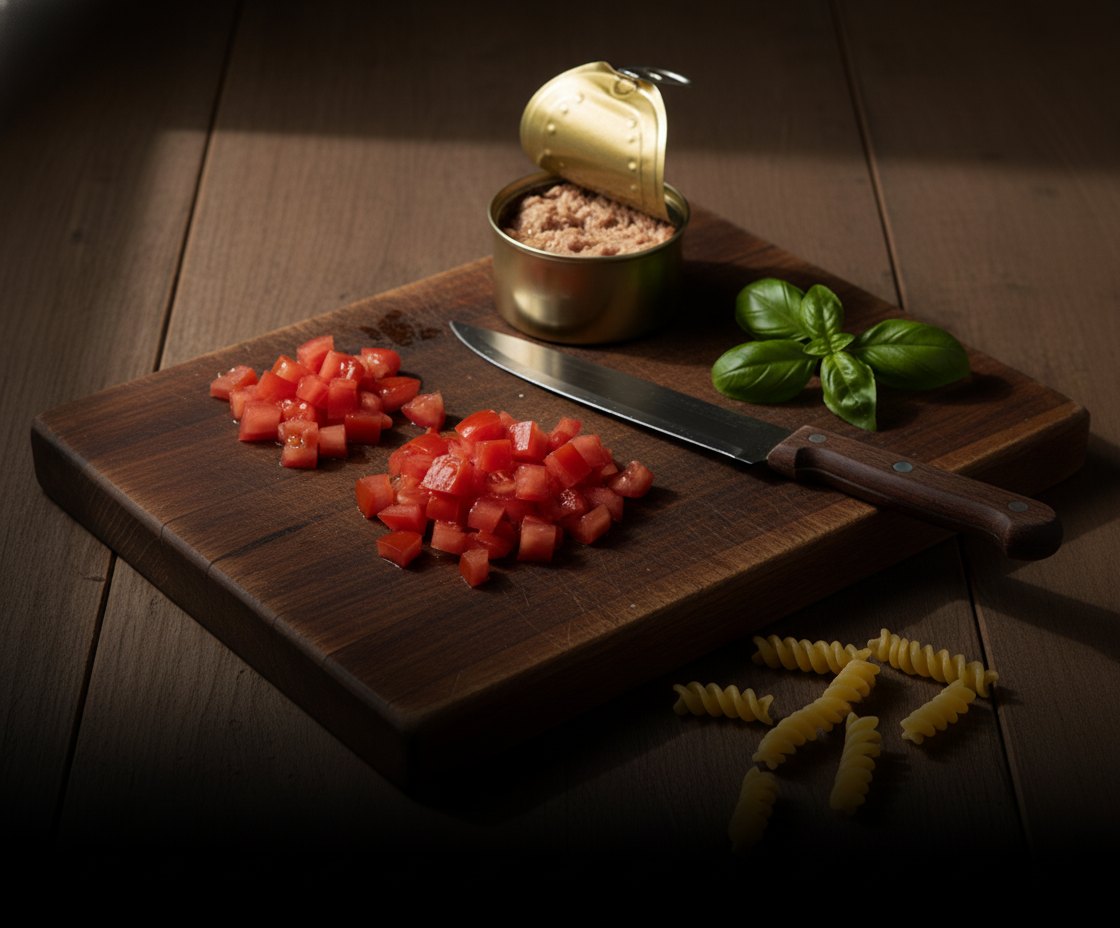
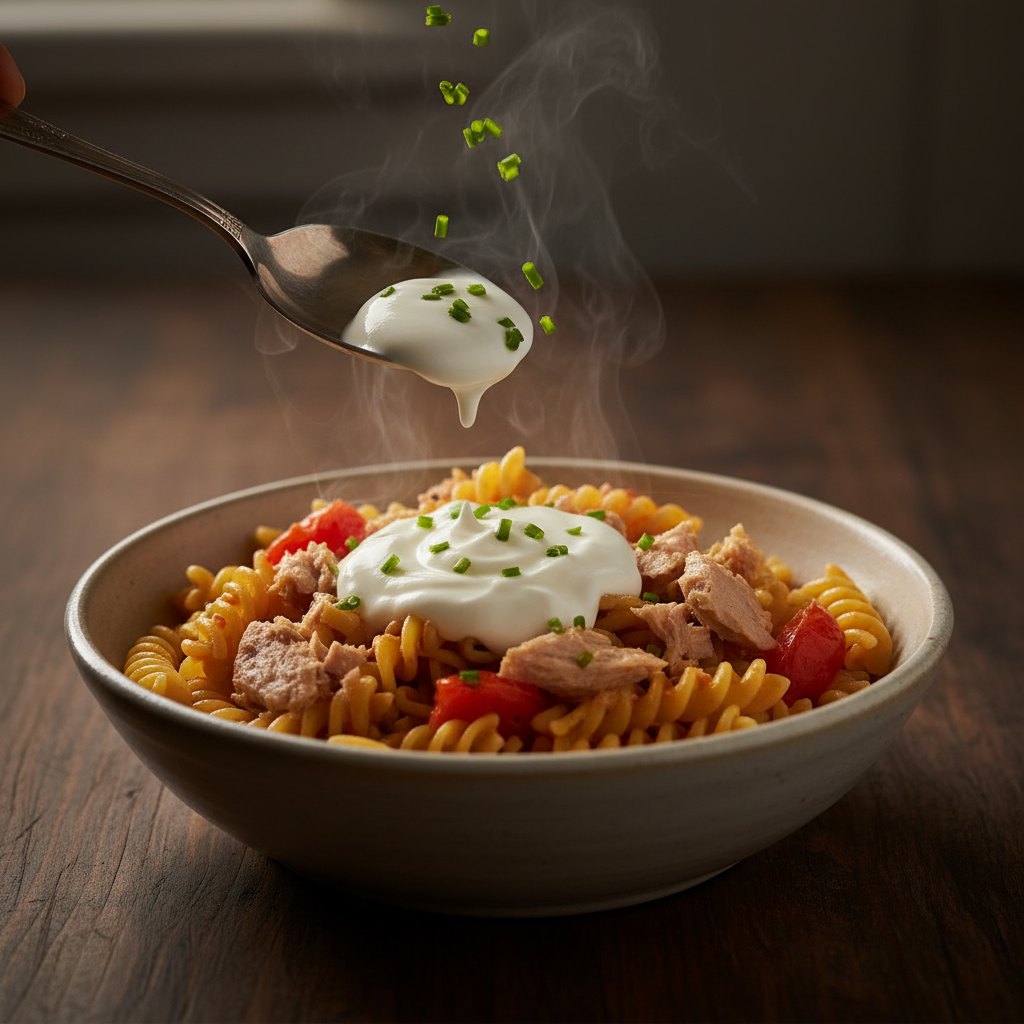
A photo for every step.

Everything in one place

Everything you need to actually cook it.

A photo for every step

Each step gets its own generated image, so you always know what it should look like.

Built-in timers

Start a timer straight from the step that needs one — no second app.

Translate instantly

Read any recipe in your language, with 15 supported out of the box.

Smart shopping list

Send ingredients to a list that's grouped by aisle and ready for the store.

Search your library

Find anything you've saved by name, cuisine or ingredient in a tap.

Nutrition at a glance

Calories and macros estimated for every recipe you import.

Mise app icon

Your next recipe is one link away.

Download on the App Store
iPhone · iOS 17+ · Free to start
Scan to download
Open your camera and point it here